
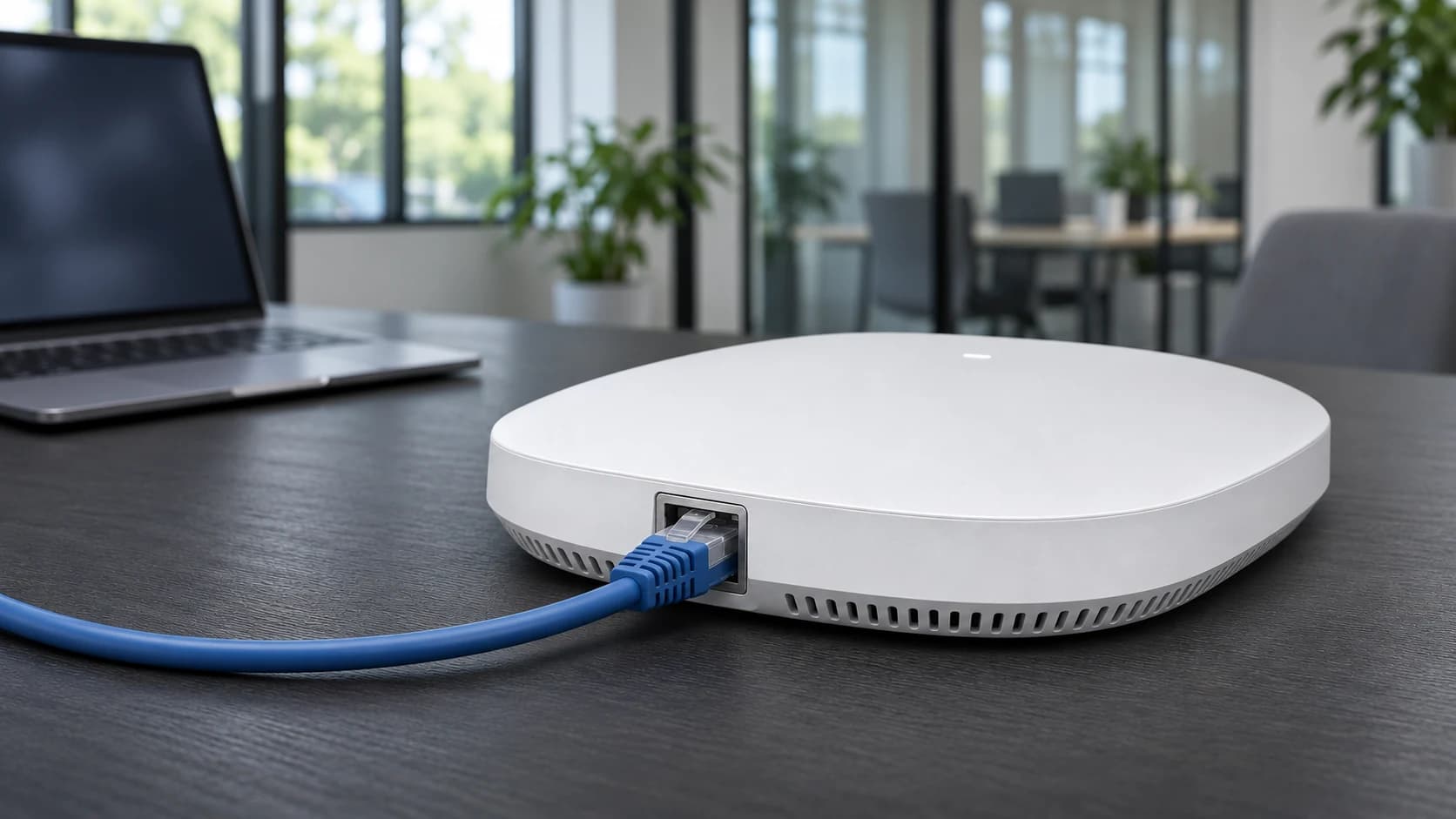
A Wi-Fi 7 access point can improve wireless capacity, but the benefit depends on the clients, coverage, network connections and power behind it. This guide focuses on business and home-office deployments using wired access-point backhaul. Wireless mesh is another option where cabling is impractical, with its own performance and placement trade-offs. The starting question is what the existing network cannot do reliably, followed by which parts need changing to solve that problem.
What Wi-Fi 7 adds, and what the label does not tell you
Wi-Fi CERTIFIED 7 launched in January 2024. Its capabilities include Multi-Link Operation, 4K QAM and channel widths up to 320 MHz where equipment and permitted spectrum support them. Multi-Link Operation allows compatible devices to use multiple links; supported modes and simultaneous operation depend on the implementation. These features can improve capacity and responsiveness, but they do not remove interference, walls or limits elsewhere in the network.
Do not assume every Wi-Fi 7 device supports every band, channel width or feature. Check the AP and client specifications together, including regional support and current firmware. A client with fewer spatial streams or an older radio can behave differently from a test laptop beside the access point. The widest available channel is also not automatically the best choice in a busy multi-AP environment.
Technical references: Wi-Fi Alliance: Wi-Fi CERTIFIED 7 launch and certification features · HPE Aruba Networking: Wi-Fi 7 features, client capabilities and implementation differences
Define the problem before buying an upgrade
Record where problems occur, how many devices are active and which applications suffer. Distinguish poor coverage, congestion, roaming problems, limited internet service and slow access to local files. A new radio generation will not necessarily fix the wrong AP position, an overloaded firewall or a slow remote application.
Set a useful success measure for the site: reliable calls in a meeting room, acceptable access to a local design file, or stable service during a busy shift. Record a baseline using representative devices and times of day. For a small home office this may be a modest comparison; for a commercial site, agree a survey and pilot with the person responsible for network design. Keep a record of client models and test conditions so the results can be compared fairly.
Follow the complete path from client to destination
Traffic may pass from a laptop to the AP, over its Ethernet connection, through a switch uplink and then to a local server or through a firewall to the internet. Each part can impose a limit. The relevant path depends on what the user is doing: a local file transfer does not necessarily cross the internet connection, while a cloud application does.
Consider an illustrative AP with a 2.5 Gb/s Ethernet port connected to a compatible switch. A 1 Gb/s shared uplink to the server network can constrain aggregate traffic crossing that uplink even though the AP's own port is faster. A 500 Mb/s internet service is a separate limit for internet traffic. Actual application throughput will be lower than line rates and affected by load, protocols and equipment. Upgrading the AP alone does not raise either of those upstream capacities.
Technical references: Cisco and Panduit: Wi-Fi 7, switching, power and physical infrastructure
Use a keep, validate or upgrade decision table
Swipe sideways to view all columns
| Part of the network | Keep or validate when | Consider an upgrade when |
|---|---|---|
| Copper cabling | Installed channel supports the required speed and power with appropriate test evidence | Required application cannot be supported, the route is unsuitable or the channel is damaged |
| AP switch port | Negotiated Ethernet speed meets the planned demand | Port speed or capabilities constrain the target application |
| PoE supply | Required type/class and simultaneous budget are available | AP runs in a reduced mode or the required allocation is unavailable |
| Switch uplink | Representative aggregate traffic fits with appropriate operating margin | Measurements show sustained contention on the relevant path |
| Client devices | They meet the application's needs, even on an older Wi-Fi generation | Client capability is a measured constraint and replacement has a useful benefit |
| Internet/firewall path | Service and processing capacity meet the cloud workload | The measured limit is upstream of the wireless network |
This is a planning framework. A quiet test at one desk does not establish performance throughout a building under load.
Assess existing cable and specify new runs deliberately
Some existing Cat5e and Cat6 channels can support multigigabit Ethernet with suitable equipment, depending on the required rate, length and installed condition. Inspect the full channel, including patch leads, modules and panels, and obtain the appropriate test evidence. A category printed on a cable sheath is not by itself a performance certificate for the installed link.
For new hard-to-replace runs requiring 10GBASE-T across a full 100 m channel, Cat6A provides a clear design basis. Account for permanent-link length, patching, construction, temperature and installation constraints. Category selection still leaves other decisions: shielding and bonding, conductor type, sheath, reaction-to-fire classification and compatible terminations. Do not replace satisfactory existing links solely because the AP has a newer Wi-Fi badge.
Technical references: Cisco: Catalyst 9200 multigigabit copper cabling guidance
Read the access point's power-mode table
Wi-Fi 7 does not specify one universal PoE requirement. Depending on the model, PoE+ may be sufficient, or an 802.3bt supply may be needed for full operation. Some APs disable functions when less power is available. Read the exact model's operating-mode table, including any requirements for negotiation, accessory ports and radio configuration.
Check the switch's per-port support and shared PoE budget at the same time. Include the other phones, cameras or APs sharing that budget and planned additions. A spare port without enough remaining power does not solve the problem. Confirm cooling and any UPS requirement, and use PSE allocation figures correctly when sizing the switch rather than simply adding endpoint input watts.
Technical references: Cisco and Panduit: Wi-Fi 7, switching, power and physical infrastructure
Plan placement and backhaul together
Place access points for the coverage and capacity needed by users, then plan suitable cable routes and mounting. An easy cable route is not sufficient reason to hide an AP behind metalwork or put every AP at one end of the building. Check the manufacturer's mounting orientation and environmental requirements, and use survey information where the installation warrants it.
Wireless mesh can connect APs without a data cable between them, although they still need an appropriate power source. Its backhaul uses wireless resources and depends on the inter-AP signal and topology. It is an option with trade-offs, not proof that wiring is unnecessary. Where practical, a suitable wired connection avoids those wireless-backhaul dependencies. Assess the proposed design rather than assuming every mesh or wired deployment performs alike.
Technical references: Ubiquiti: Wireless mesh backhaul and design considerations
Run a pilot that measures the intended benefit
Keep the result specific. A single fast measurement does not establish full-building performance, and a faster internet test does not establish reliable roaming. If the pilot shows that existing cabling or switching already meets the need, retain it. If it identifies a bottleneck, target that component rather than buying a complete replacement by default.
- Document the baseline: AP position, client models, firmware, application, test location and representative load.
- Confirm the AP's negotiated Ethernet speed, error counters and power mode before judging its wireless performance.
- Test against a suitably capable local wired destination to investigate the LAN path separately from an internet speed test.
- Repeat the actual business task, such as a call or file transfer, with representative clients and concurrent users.
- Check coverage and movement between relevant areas; inspect latency, loss and stability as well as peak throughput.
- Record which feature or component changed, compare the result with the agreed objective, and retain a return path to the previous configuration.
Prepare a specification that can be checked
Bring together the AP model and quantity, required wired speeds, power modes, cable test records, route constraints and expected client workload. Identify what is known and what still needs confirmation. For a staged project, distinguish equipment required now from provision for later expansion, and record who will configure and validate the installation.
Use current manufacturer specifications when comparing products. A networking category contains different generations and capabilities; its presence beside this guide is not a claim that every listed access point or switch supports Wi-Fi 7 or multigigabit networking. Confirm the exact model and configuration before ordering the supporting cable, patching or active equipment.
Explore the components covered in this guide
Compare the listed specifications with your equipment and installation requirements before choosing.
Before you buy or send a project enquiry
For a replacement lead or a larger installation, keep these details together so you can compare the listed specifications accurately:
- Proposed AP models, quantities, full-power requirements and required Ethernet speeds.
- Existing switch/uplink details, available PoE budget and cable test information.
- Measured route lengths, installation environment, mounting and future expansion requirements.
- Product references and quantities to be supplied, required delivery date and any unresolved design questions.
Our business and project orders page explains what to include in an enquiry and where to check the current ordering and delivery terms. If a specification is unknown, say so rather than choosing a substitute by appearance.
Sources and further reading
This guide was checked against the following standards and technical resources. Product capabilities can change, so confirm the current manufacturer specification before designing an installation.
- Wi-Fi Alliance: Wi-Fi CERTIFIED 7 launch and certification features
- HPE Aruba Networking: Wi-Fi 7 features, client capabilities and implementation differences
- Cisco and Panduit: Wi-Fi 7, switching, power and physical infrastructure
- Cisco: Catalyst 9200 multigigabit copper cabling guidance
- Ubiquiti: Wireless mesh backhaul and design considerations
This article provides general technical guidance, not a site-specific design. Follow current product instructions and applicable building, electrical and fire requirements; use a competent installer where needed.